Car Driving Ultimate Guides
From first spawn to badge grinds — practical tutorials for the open-world Roblox driving sandbox.
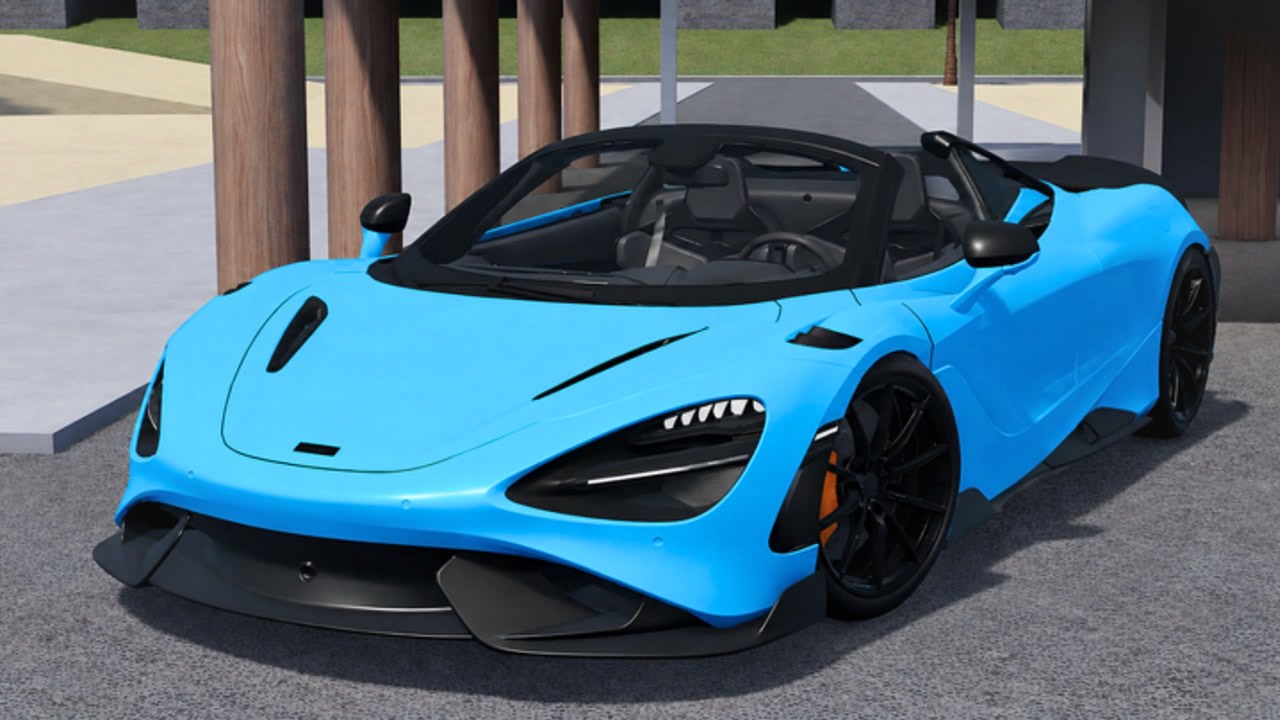
Welcome to the Guides Hub for Car Driving Ultimate, the free-to-play Roblox vehicle sandbox from creepertrolllol2434 with 120+ cars, a large open map, and servers capped at 16 players. Use these tutorials to learn controls, explore the map, race friends fairly, drift cleanly, paint your ride, and grind mileage badges without wasting your first nights guessing HUD icons.
Start here
- Getting Started — first-hour checklist, garage tour mindset, and what to ignore until later (featured).
- Controls — full keyboard map including flight keys, transmission, handbrake, cameras, and traction.
- Best Free Cars — F2P mains before any Robux decision.
Skill guides
- How to Drift — traction control off, handbrake timing, and recovery.
- Customization — paint, calipers, and making a car yours.
- Miles Badges — 500, 1000, and 4500 Miles routes and tips.
- Map Exploration — landmark tour loops, highway vs city, night driving, quiet practice lots, and seasonal winter notes.
- Racing — informal friend races, Track Pass circuit feel, Admin prototypes, grip vs slide rules, and 16-player etiquette.
Related hubs outside Guides
- Codes Hub — honest empty active list + Discord watch tips
- How to Redeem Codes — UI patterns when a drop appears
- Tier List Hub — free vs Track vs Admin rankings
- Admin Cars — full 13-car pass breakdown
- Gamepasses — Track, Admin, Classic, F1 explained
- Updates / Changelog — optimization and new-car notes
- Scripts — feature summaries with account-risk warnings (not exploit pastebins)
- Players / Community — Discord and suggestion culture
- Wiki Links — Roblox, Discord, YouTube
How these guides are written
Every guide sticks to verifiable CDU facts: official control list, pass rosters, badge names, Discord invite, and real YouTube embeds. We do not invent promo codes, fake horsepower sheets, or non-existent story quests. When the developers ship optimization fixes or a new car (see changelog), return here for refreshed tips.
Suggested learning path (weekend)
Friday night: Getting Started + Controls + one free car test loop.
Saturday: Map Exploration landmark loop, then drift practice in an empty lot and a painted customization session.
Sunday: Mileage push toward the first badge; optional Racing heats with friends; watch updates so you know if a new car dropped; only then open gamepass pages.
Tips that apply to every guide
- Prefer trailing-slash wiki links when you share routes with friends so locales resolve correctly.
- Keep the official Discord (invite) nearby for patch chatter.
- Skip illegal spawners — bans delete more progress than any tutorial can return.
- On mobile, re-read Controls once; touch layouts still map to the same actions shown in PC videos.
Pick a guide from the list above and spawn in. The map is large, the garage is deep, and the next hour of practice will matter more than any single Robux purchase.
Frequently Asked Questions
Quick answers about codes, cars, drift, and progression.
Which guide should absolute beginners open first?
Start with Getting Started, then Controls, then Best Free Cars. Map exploration, racing, drift, and customization can wait until you can drive straight confidently.
Do the guides work on mobile?
Yes. Actions match the same control list; only the input method changes. The Controls page calls out mobile-friendly tips.
Where are car rankings?
See the Tier List Hub, Admin Cars, and Best Free Cars pages linked from this hub.
Are codes covered under Guides?
Codes live in the Codes Hub. Guides focus on gameplay systems, while Codes tracks promo strings and redemption.
How long until I should buy a gamepass?
Finish at least the Getting Started hour and one free-car session. Then compare Track and Admin on the Gamepasses page.